
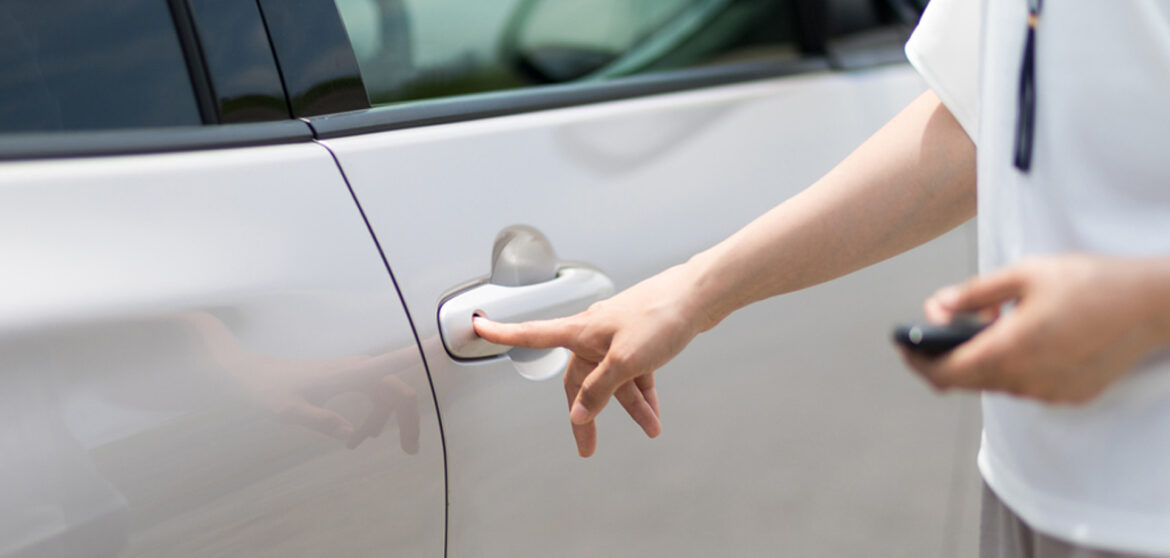
Why Your Car Biometric Entry Isn’t Working: Common Causes and Fixes
Biometric entry is one of the most convenient and futuristic features in modern vehicles. It uses fingerprints or facial recognition to unlock and start the car, eliminating the need for traditional keys. But just like any technology, it can occasionally fail especially in the harsh weather conditions of the UAE.
In this blog Drive UAE will break down why your car’s biometric entry isn’t working, the most common causes, easy DIY fixes, and when to get professional help.
Understanding Biometric Car Entry Systems
Biometric entry systems use unique human identifiers like fingerprints, facial features, or even iris patterns to authenticate access. They’re integrated with the car’s electronic control unit (ECU), which processes the data, compares it with stored information, and unlocks the doors or starts the engine if there’s a match.
In the UAE, these systems are especially popular among luxury cars like Tesla, BMW, Mercedes-Benz, and Lexus. Many models available for rent through Drive UAE come equipped with advanced biometric access systems for added convenience and security.
It’s fast, secure, and feels like something out of a sci-fi movie, until it doesn’t work.
Common Reasons Why Biometric Entry Fails
Let’s look at what might be causing your car’s biometric system to malfunction.
1. Dirty or Damaged Sensors
The most common culprit is surprisingly simple, dirt or smudges on the sensor. Dust, fingerprints, or scratches can prevent the scanner from reading your print or facial pattern correctly.
Quick Fix:
Use a soft microfiber cloth to gently clean the sensor. Avoid alcohol wipes or harsh cleaners, as they can damage the sensitive surface. Once clean, try scanning again.
Pro Tip:
Regularly clean the sensor, especially during sandstorms or after parking outdoors. UAE’s dusty climate is notorious for affecting touch-sensitive surfaces.
2. Moisture or Heat Interference
Extreme temperatures and humidity are a big deal in the UAE. Biometric sensors don’t perform well when too hot, too cold, or exposed to moisture. If your finger is sweaty or wet, or if the car was parked under the sun for hours, the system may fail to recognize you.
What You Can Do:
- Dry your finger or face completely before scanning.
- If the car’s been baking in the heat, wait a few minutes for the sensor to cool down.
- Try using a different registered finger if one doesn’t work.
3. Software Glitches or Outdated Firmware
Just like your smartphone, your car’s biometric module depends on software. Outdated firmware or software bugs can cause recognition failures, lag, or system freezes.
Fix:
- Go to your car’s settings menu or mobile app to check for updates.
- If available, install the latest firmware.
- Restart the car after updating.
Keeping your system updated ensures smoother operation and fewer recognition errors.
4. Weak Car Battery or Electrical Problems
A failing or low-voltage battery can interfere with your biometric system. Since the sensor and ECU require stable power to operate, battery fluctuations or wiring issues can cause entry failure.
Check This:
- Turn on your headlights if they dim quickly, your battery might be weak.
- Use a voltage meter; if the reading is below 12.4V, it’s time for a recharge or replacement.
- Don’t ignore electrical warning lights on your dashboard.
Remember:
A healthy battery equals a healthy biometric system.
5. Physical Changes to Your Fingerprint or Face
Believe it or not, your body changes too! A small cut, sweat, sunscreen, lotion, or even makeup can interfere with the biometric reading.
Try This:
- Re-register your fingerprint or facial data under “Settings.”
- Use a clean, dry finger.
- Store multiple fingerprints one from each hand, if possible.
- Recalibration helps the system learn your new biometric patterns and improves recognition accuracy.

Quick Fixes to Try Before Visiting a Workshop
Before you head to a service center, there are a few things you can try yourself.
1. Clean the Sensor Area
Start with the simplest fix. Clean the biometric surface with a soft, dry cloth. Avoid pressure and liquids. Then, restart the car and try again.
2. Restart or Reset the System
Many biometric systems allow a soft reset through the car’s settings menu. Restarting the system clears temporary glitches and restores functionality.
3. Check Battery Health and Fuses
A weak battery or blown fuse can disable the biometric module. Use the dashboard diagnostics or visit a nearby service station for a quick battery check.
4. Update the System Firmware
Manufacturers often release updates to improve accuracy and stability. Ensure your car’s system or connected mobile app is up to date.
5. Use Backup Entry Options
If the biometric system refuses to cooperate, don’t panic. Use your smart key, key card, or mobile app (for brands like Tesla) to unlock and start your car temporarily.
When to Seek Professional Help
If you’ve tried all the quick fixes and the system still isn’t responding, it’s time to get professional help.
Here’s when to visit a workshop:
- The biometric module doesn’t respond at all.
- The system fails intermittently or throws an error message.
- The car’s central locking or ECU is malfunctioning.
Always choose authorized service centers for inspection. Attempting to open or fix the biometric module yourself may void your car’s warranty.
Drive UAE recommends relying only on certified professionals. Our luxury rental fleet undergoes regular diagnostic checks to ensure every feature, including biometric systems, performs flawlessly.
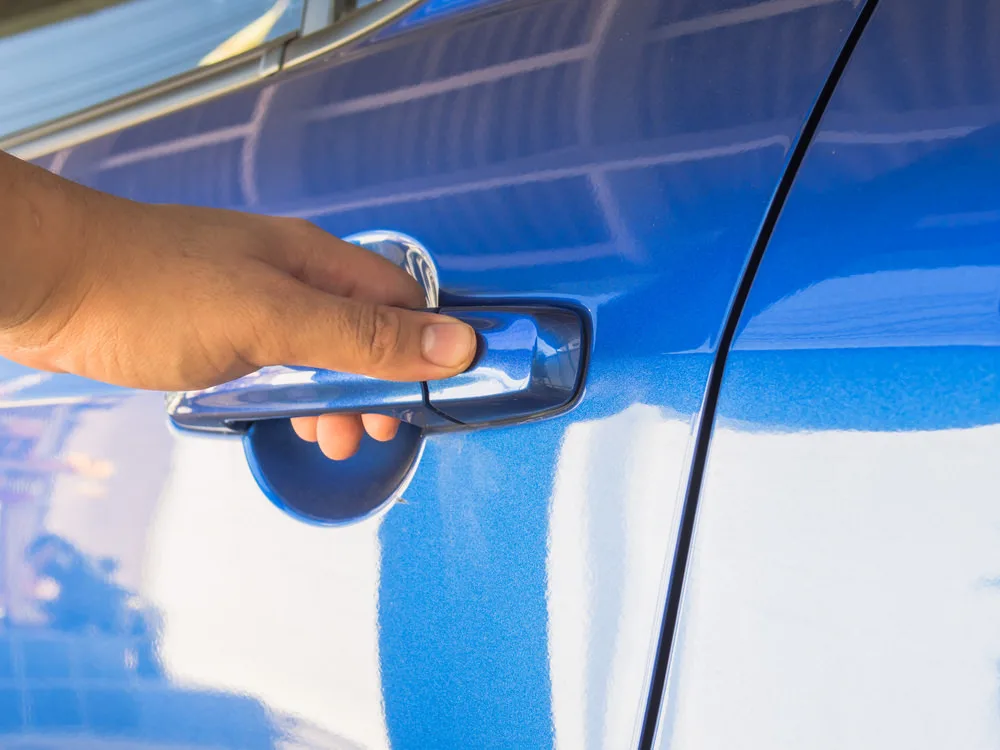
Preventive Tips to Keep Your Biometric Entry Working Smoothly
A little maintenance goes a long way. Follow these simple preventive steps:
- Keep the sensors clean and dry. Dust, oils, and moisture are the top causes of recognition errors.
- Avoid direct sunlight. Parking under shade helps prevent overheating of the sensor area.
- Re-register your biometric data every few months for better accuracy.
- Avoid using harsh cleaning chemicals on or around the sensor.
- Keep your car’s software updated, it ensures compatibility and performance.
These habits take less than a minute but can save you a lot of frustration down the road.
Final Thoughts
Biometric car entry systems are one of the most innovative and secure automotive features available today. While they make life easier, they’re also sensitive to environmental and technical factors.
If your system isn’t working, don’t panic. Start with the basics: clean the sensor, check for updates, and ensure your car’s battery is healthy. Most issues are minor and easy to fix.
And if you’re ready to experience luxury cars equipped with next-generation tech, explore the Drive UAE fleet today. From sleek Teslas to powerful BMWs and Mercedes-Benz models, every car is meticulously maintained to deliver a seamless, high-tech driving experience.
Because when convenience meets technology, every drive feels smarter.